


In This Article
Cloud computing is a way of using computing services such as storage, software, and processing power over the internet instead of on a personal computer or local server. It allows individuals and organizations to access digital resources anytime, from almost anywhere, using an internet connection.
This article explains cloud computing in simple terms, how it works, and why it is widely used today.
Understanding Cloud Computing in Simple Terms
Traditionally, computers store data and run programs directly on their hard drives. Cloud computing changes this model. Instead of keeping everything on one device, data and applications are stored on remote servers that are accessed through the internet.
These remote servers are located in large data centers. Users do not need to know where the servers are or how they work. They only interact with the services provided, such as online storage, email platforms, or web-based software.
In simple words, cloud computing means using someone else’s computer over the internet to store data and run applications.
How Cloud Computing Works
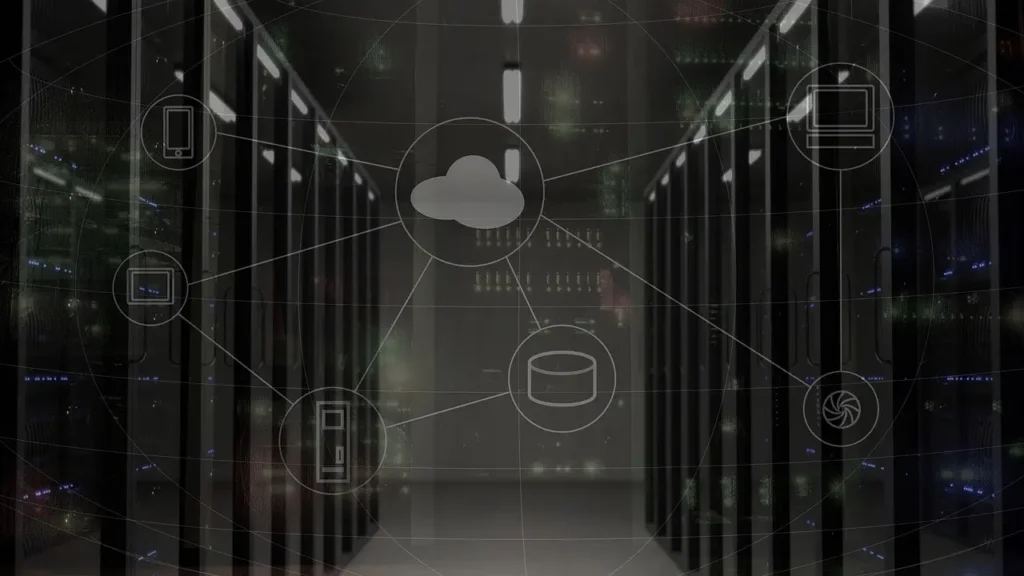
Cloud computing works through a network of connected servers that deliver services on demand. When a user uploads a file, opens an online document, or uses a web application, the data is sent to remote servers rather than staying only on the local device.
These servers process the request and send the results back to the user’s device. All of this happens within seconds, often without the user noticing.
The main requirement for cloud computing is a stable internet connection. Once connected, users can access their data and applications using a browser or app, without installing heavy software locally.
Types of Cloud Computing Services
Cloud computing services are generally grouped into three main categories. Each serves a different purpose and level of control.
Infrastructure as a Service (IaaS)
This type provides basic computing resources such as virtual servers, storage, and networking. Users can install their own operating systems and software on these virtual machines.
IaaS is often used by developers and IT teams who need flexibility and control without maintaining physical hardware.
Platform as a Service (PaaS)
PaaS offers a ready-made environment for building and running applications. It includes operating systems, development tools, and databases.
Users focus on creating applications while the underlying infrastructure and maintenance are handled automatically.
Software as a Service (SaaS)
SaaS delivers software applications directly through the internet. Users access these applications using a web browser without downloading or installing anything.
Common examples include online email services, document editors, and collaboration tools.
Common Examples of Cloud Computing in Daily Life
Many everyday digital activities rely on cloud computing, even if users are not aware of it.
Online email services store messages on remote servers instead of a local computer. File storage platforms allow users to save photos and documents online and access them from different devices. Streaming services use cloud servers to deliver videos and music without downloading large files.
Even online banking and social media platforms depend on cloud computing to handle large amounts of data securely and efficiently.
Benefits of Cloud Computing
Cloud computing offers several practical advantages that make it useful for individuals and organizations.
One major benefit is accessibility. Data and applications can be accessed from different devices, such as phones, tablets, or computers, as long as there is an internet connection.
Another benefit is cost efficiency. Users do not need to buy expensive hardware or maintain servers. Resources can be used as needed, reducing unnecessary expenses.
Cloud computing also supports automatic updates. Software and security patches are managed centrally, ensuring users always have the latest version without manual effort.
Scalability and Flexibility
Scalability is an important feature of cloud computing. Resources such as storage space or processing power can be increased or reduced based on demand.
For example, a website that receives more visitors during certain periods can handle the increased traffic without upgrading physical servers. When demand decreases, resources can be scaled back.
This flexibility helps organizations manage growth and changing needs more efficiently.
Data Security and Privacy in the Cloud
Security is a common concern for beginners learning about cloud computing. Cloud systems use multiple layers of security to protect data, including encryption, access controls, and monitoring.
Data is often backed up automatically, reducing the risk of loss due to hardware failure or accidental deletion. However, users still have responsibility for managing passwords and access permissions.
Understanding data privacy policies and following best practices helps ensure safe use of cloud services.
Cloud Computing vs Traditional Computing

In traditional computing, software and data are stored and managed on local machines or in private servers. This requires physical space, maintenance, and regular upgrades.
Cloud computing shifts these responsibilities to remote data centers. Users focus on using the services rather than managing infrastructure.
The main difference lies in ownership and control. Traditional computing offers direct control over hardware, while cloud computing emphasizes convenience, flexibility, and shared resources.
Who Uses Cloud Computing?
Cloud computing is used by individuals, small businesses, large organizations, and public institutions. Students use cloud platforms for learning and collaboration. Businesses use them to manage operations and data.
Government services, healthcare systems, and educational platforms also rely on cloud computing to handle large-scale information securely and efficiently.
Its wide adoption comes from its ability to support different needs without requiring complex technical knowledge.
The Future of Cloud Computing
Cloud computing continues to evolve with improvements in speed, security, and efficiency. New technologies such as artificial intelligence and data analytics increasingly rely on cloud-based systems.
As internet access expands globally, cloud computing is expected to become even more integrated into daily digital activities.
Its role as a foundation for modern technology makes it an important concept for beginners to understand.
Conclusion
Cloud computing is a method of delivering computing services over the internet instead of relying on local machines. It allows users to store data, run applications, and access resources from anywhere with an internet connection.
By understanding how cloud computing works, its types, and its benefits, beginners can better navigate modern digital tools. As technology continues to advance, cloud computing remains a key part of how information is created, stored, and shared.