

In This Article
Every digital interaction begins with software that most people never see. Open a browser. Launch a mobile app. Save a document. Behind each action sits an operating system coordinating millions of instructions between hardware and software.
Many new users treat devices as self-contained tools that simply work. The reality is more technical. Every smartphone, laptop, desktop computer, and tablet depends on an operating system to translate human commands into machine actions. Without an operating system, even powerful hardware becomes unusable.
Understanding how operating systems work reveals why devices behave the way they do, why performance changes over time, and why updates matter more than most users realize.
What an Operating System Actually Does
To understand how operating systems work, imagine a computer without one.
The processor receives electrical signals. Memory stores temporary data. Storage devices hold information. Input devices generate commands. Yet none of these components know how to coordinate with one another.
The operating system creates order.
It acts as a control layer between physical hardware and software applications. Microsoft provides a detailed overview of operating system responsibilities and system management concepts in its official technical documentation.
Instead of every application communicating directly with the processor or storage device, programs submit requests through the operating system.
This arrangement prevents chaos.
When users click an icon, type a document, or stream a video, the operating system interprets those actions and distributes instructions to the correct hardware components.
That is the foundation of how operating systems work.
The Startup Process: What Happens When a Device Powers On
One of the clearest examples of how operating systems work appears during startup.
When a device powers on, hardware performs a series of diagnostic checks. Modern computers typically use firmware systems such as the Basic Input Output System (BIOS) or the more advanced Unified Extensible Firmware Interface (UEFI).
These systems verify that essential hardware components are available.
Once validation finishes, control transfers to the operating system. System files load into memory. Core services initialize. Device drivers activate. Security mechanisms begin operating.
Only after these steps finish does the familiar desktop or mobile interface appear.
The process takes seconds. The coordination behind it involves thousands of software operations.
How Operating Systems Manage Processing Power
Processors execute instructions at extraordinary speed, yet they remain limited resources.
Understanding how operating systems work requires understanding processor scheduling.
Every running application competes for processor attention. A web browser wants processing time. A messaging application wants processing time. System services need processing time as well.
The operating system acts as a traffic controller. System Function What the Operating System Controls User Impact CPU Scheduling Processor time allocation between tasks Smooth multitasking Memory Management RAM allocation and recovery Faster application performance File System Control Storage organization and retrieval Easier file access Process Management Application execution lifecycle Stable software operation Device Driver Management Hardware communication layer Hardware compatibility Security Enforcement Authentication and permissions Better data protection Network Management Internet and local connections Reliable connectivity Update Management System patches and upgrades Improved stability and security
Instead of allowing one program to monopolize resources, it rapidly allocates small slices of processor time across active tasks. These transitions happen so quickly that users perceive multiple applications running simultaneously.
Modern multitasking depends on this scheduling system.
Without it, devices would freeze whenever a demanding application consumed available processing resources.
Memory Management: The Hidden Performance Engine
Many users blame hardware when systems slow down. In reality, memory management often determines responsiveness.
A critical part of how operating systems work involves controlling Random Access Memory (RAM).
Applications require memory to store active data. A browser tab consumes memory. An image editor consumes memory. Background services consume memory.
The operating system decides where information resides and when resources should be reclaimed.
When applications close, memory allocation ends. When memory becomes scarce, inactive data may be transferred temporarily to storage through virtual memory mechanisms.
This process keeps systems operational even under heavy workloads.
Efficient memory management separates responsive devices from sluggish ones.
File Systems and Data Organization
Every saved photograph, spreadsheet, or video depends on file system architecture.
A practical way to understand how operating systems work is to examine data storage.
Storage devices contain enormous amounts of information. Without organization, locating a single file would become nearly impossible.
The operating system solves this challenge through file systems.
Files receive names. Directories create structure. Permissions regulate access. Metadata tracks locations and attributes.
Users see folders.
The operating system sees an organized map of storage blocks distributed across physical hardware.
This abstraction allows people to interact with information logically rather than dealing with raw storage sectors.
Why Applications Depend on Operating Systems
Applications appear independent. They are not.
Another important aspect of how operating systems work involves application execution.
Software programs cannot directly control every hardware component. Instead, they rely on operating system services.
When a video application needs audio output, it requests assistance from the operating system. When a browser accesses network resources, the request passes through operating system networking services.
Understanding how web browsers communicate with remote servers provides additional context for these networking processes. For a detailed explanation, read our guide on How Websites Work: From Domain Names to Web Browsers Explained Simply.
The operating system provides standardized interfaces.
Developers write software against these interfaces rather than designing unique communication methods for every hardware configuration.
This approach allows applications to function consistently across millions of devices.
User Interfaces Make Complex Systems Usable
Most users interact with operating systems through graphical interfaces.
Icons simplify commands. Menus organize options. Windows separate tasks.
These elements represent only the visible layer of how operating systems work.
Beneath every graphical action lies a chain of technical operations. Opening a folder triggers file system requests. Launching an application initiates memory allocation. Moving a file modifies storage structures.
The interface hides complexity.
Users receive simplicity while the operating system handles technical execution in the background.
That design principle remains one of the most significant achievements in modern computing.
Security Controls Inside Modern Operating Systems
Security failures rarely begin with encryption.
They begin with access.
Understanding how operating systems work requires examining security architecture. Every operating system enforces rules regarding users, applications, and permissions.
Applications do not automatically receive unrestricted access to system resources. Sensitive operations often require elevated privileges.
User authentication establishes identity.
Permission systems restrict actions.
Process isolation prevents one application from interfering with another.
When malicious software attempts unauthorized activity, these protective layers create resistance.
Security updates strengthen those defenses by addressing discovered vulnerabilities before attackers can exploit them.
Device Drivers: The Translation Layer
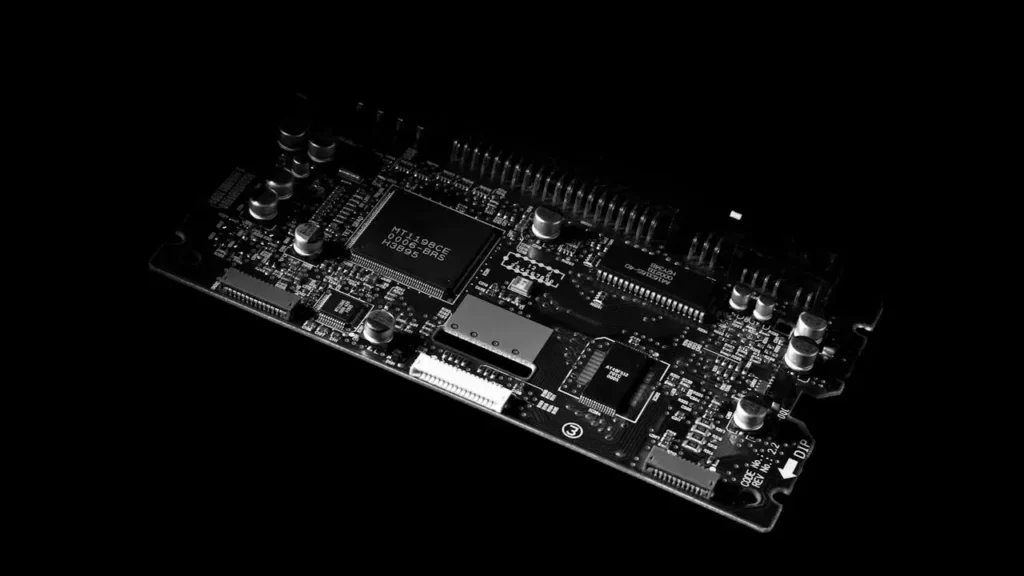
Hardware manufacturers build components differently.
A graphics card communicates differently than a printer. A wireless adapter behaves differently than a storage controller.
This complexity highlights another dimension of how operating systems work.
Device drivers function as translators.
They allow the operating system to communicate with specialized hardware using standardized methods. Without drivers, operating systems would struggle to interpret device-specific instructions.
Install a new printer.
The driver bridges communication.
Connect a graphics processor.
The driver enables functionality.
The relationship remains fundamental to hardware compatibility.
Multitasking and Background Operations
Modern users expect devices to perform numerous activities simultaneously.
Music streams while emails synchronize. Documents save automatically while browsers load content. Cloud services exchange data continuously.
This expectation exists because of how operating systems work.
The operating system coordinates visible applications alongside background processes. Resource allocation remains dynamic. Priority levels change constantly.
Critical tasks receive immediate attention.
Less urgent activities wait.
The user rarely notices these decisions, yet they determine overall system responsiveness.
Different Devices, Same Principles
Desktop computers use operating systems.
Smartphones use operating systems.
Smart televisions use operating systems.
Industrial machinery often uses operating systems as well.
Although interfaces differ, the fundamentals of how operating systems work remain remarkably consistent.
Every operating system manages hardware resources. Every operating system executes software applications. Every operating system organizes data. Every operating system enforces security controls.
The implementation changes.
The mission stays the same.
Why Understanding Operating Systems Matters
Many technology problems become easier to diagnose once users understand how operating systems work.
Slow performance often traces back to memory pressure. Storage issues frequently involve file management. Security risks commonly originate from outdated software.
Technical awareness improves decision-making.
Users become more capable of troubleshooting problems, evaluating software behavior, and maintaining device reliability.
An operating system is not merely another program installed on a device.
It is the software layer that makes every other digital experience possible.
Without it, hardware remains inactive potential. With it, billions of devices execute complex tasks every second with remarkable consistency and precision.
What is an operating system?
An operating system is the core software that manages hardware and software resources. It allows applications, devices, and users to interact efficiently.
How operating systems work with hardware?
Operating systems work by acting as an intermediary between software and hardware. They translate application requests into instructions hardware components can execute.
Why can’t applications run without an operating system?
Most applications depend on operating system services to function. They require memory allocation, file access, networking, and hardware communication provided by the operating system.
What is CPU scheduling in an operating system?
CPU scheduling is the process of allocating processor time among active tasks. It enables multitasking and prevents individual applications from monopolizing system resources.
How does an operating system manage memory?
An operating system manages memory by allocating RAM to active processes and reclaiming unused resources. This keeps devices responsive during heavy workloads.
How do operating systems improve security?
Operating systems improve security through authentication, permissions, and process isolation. These controls limit unauthorized access to system resources.
Do smartphones use operating systems?
Yes. Smartphones rely on operating systems just as computers do, managing applications, storage, memory, networking, and hardware interaction.