

In This Article
Managing multiple online accounts can be challenging, especially when trying to maintain strong and unique passwords for each service. Password managers offer a solution that increases security while simplifying daily digital routines.
This guide explains how password managers work and why they are useful for everyday users in simple, clear terms.
What a Password Manager Is
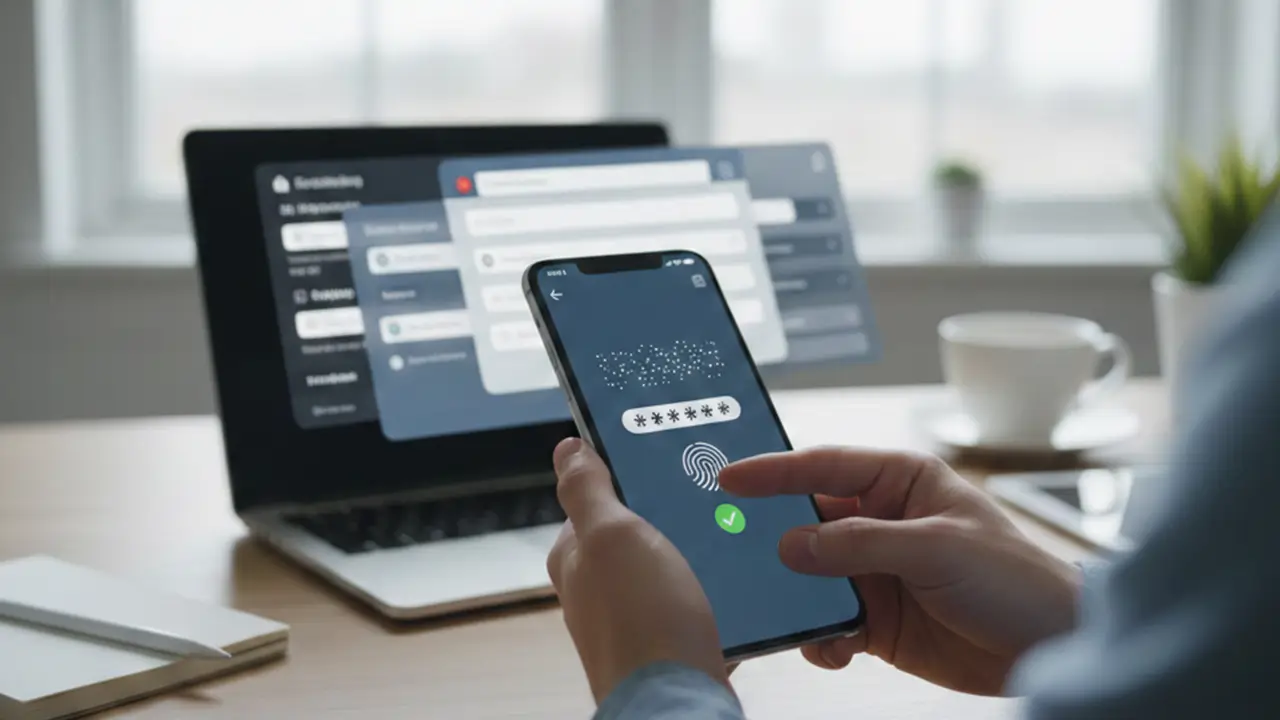
A password manager is a software tool that securely stores login credentials for websites and applications. Instead of remembering dozens of passwords, users only need to remember one master password.
The manager encrypts stored passwords, protecting them from unauthorized access. This allows users to maintain complex, unique passwords without the risk of forgetting them.
How Password Managers Enhance Security
One of the main benefits of password managers is improving online security. Many people reuse passwords or create weak ones that are easy to guess.
Password managers generate strong, random passwords for each account. This reduces the risk of hacking or credential theft.
Encrypted storage ensures that even if a device is compromised, passwords remain protected from attackers.
Reducing the Risk of Phishing and Data Breaches

Password managers can also help prevent phishing attacks. They automatically fill in credentials only on the correct website, reducing the chance of entering information on a fraudulent site.
Using unique passwords for each account means that even if one account is breached, other accounts remain safe. This limits the impact of data breaches.
How They Save Time
Manually entering passwords for multiple accounts is time-consuming. Password managers streamline this process by auto-filling login credentials.
Many managers also offer browser extensions or mobile apps that detect login fields and fill in information instantly. This saves time while maintaining security.
Managing Multiple Devices
Modern users often access accounts from multiple devices, including smartphones, tablets, and laptops. Password managers can synchronize credentials across devices securely.
This eliminates the need to manually update passwords on each device and ensures consistent access to accounts.
Generating and Updating Passwords
Password managers can generate strong passwords automatically. They also allow users to update old or weak passwords easily.
Some tools include security check features, identifying reused or compromised passwords and recommending updates.
Storing Additional Secure Information
In addition to passwords, some managers can store sensitive data such as credit card details, secure notes, or software license keys.
Encrypted storage ensures that this information is accessible only to authorized users, making digital management more convenient.
Using Password Managers Safely
While password managers enhance security, users must follow basic precautions. The master password should be strong, unique, and kept private.
Enabling two-factor authentication (2FA) adds another layer of protection. Regular software updates help ensure that the manager remains secure against vulnerabilities.
Common Misconceptions
Some users worry that storing all passwords in one place is risky. However, reputable password managers use encryption that makes it extremely difficult for unauthorized parties to access the data.
In practice, the security benefits and convenience outweigh the potential risks for most users.
Conclusion
Password managers simplify the management of online accounts while improving security. They store and encrypt credentials, generate strong passwords, protect against phishing, and save time by auto-filling login information.
For everyday users, adopting a password manager reduces the risk of account breaches and makes interacting with digital services more convenient and secure.