

In This Article
Why Password Manager Software Has Become a Modern Necessity
Every online account creates a new security obligation. Banking platforms require strong credentials. Business applications demand unique authentication. Social media accounts attract credential theft attempts daily. The average internet user no longer manages a handful of passwords. They manage dozens.
This reality exposes a persistent weakness in digital behavior.
Most people respond by recycling passwords across multiple platforms or creating predictable variations that attackers can crack within minutes. Security breaches rarely begin with sophisticated intrusion techniques. They often begin with poor password hygiene.
Password manager software solves that problem directly.
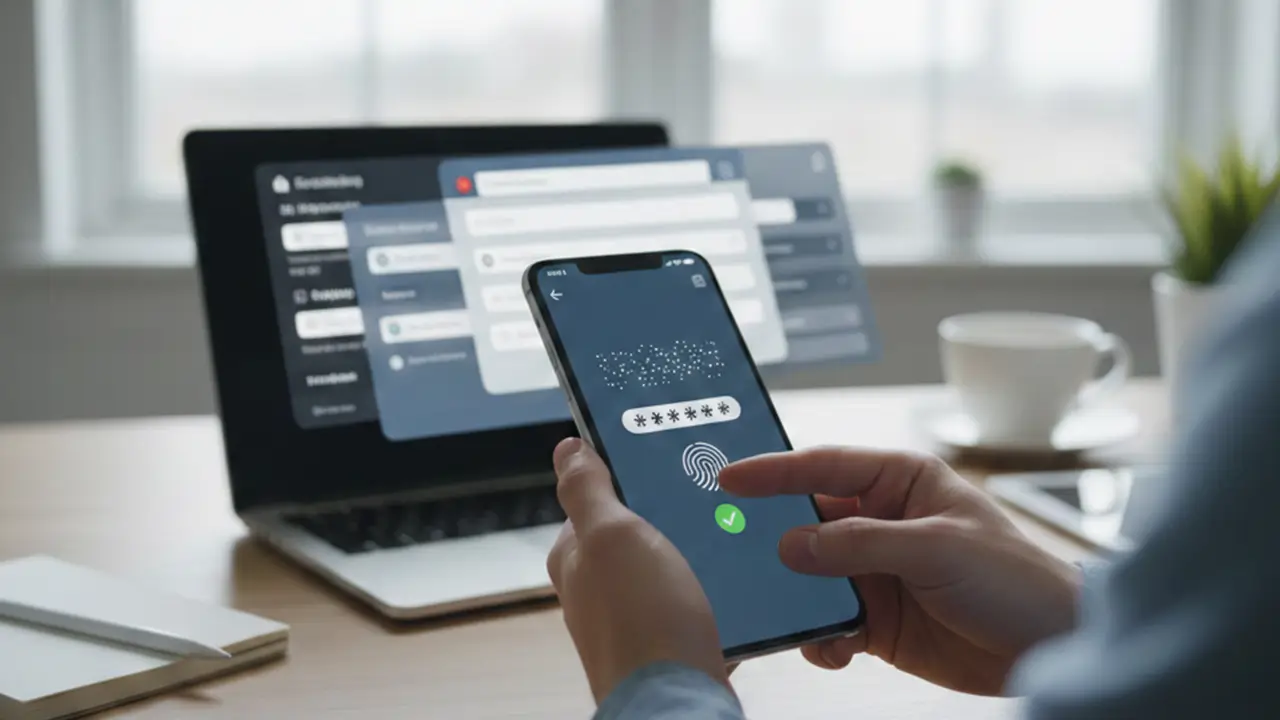
Instead of relying on memory, users store credentials inside an encrypted vault protected by a single master password. The software handles password creation, storage, retrieval, and synchronization while reducing human error throughout the authentication process.
The result is not merely convenience.
It is a measurable security improvement.
Understanding How Password Manager Software Works
Password manager software functions as a secure repository for authentication credentials. Users unlock the vault through a master password that serves as the primary authentication mechanism.
Behind the interface, strong encryption algorithms convert stored credentials into unreadable data. Without the correct decryption key, the information remains inaccessible even if attackers obtain the storage file itself.
The architecture matters.
Well-designed password manager software follows a zero-knowledge model. Service providers cannot view stored credentials because encryption occurs before information leaves the user’s device.
This distinction changes the threat landscape dramatically.
Traditional password storage methods expose credentials through browser memory, unsecured notes, spreadsheets, or repeated password usage. Password manager software eliminates those weaknesses by centralizing authentication data inside a hardened encrypted environment.
The user remembers one password.
The software manages everything else.
The Security Cost of Reusing Passwords
The authentication recommendations outlined in the NIST Digital Identity Guidelines emphasize the importance of strong credential management practices and resistance to credential-based attacks.
Password reuse remains one of the most common causes of account compromise.
A breach at a single website often exposes usernames and passwords that attackers immediately test against banking portals, email accounts, cloud storage services, and business applications. Security teams refer to this process as credential stuffing.
The attack is brutally efficient.
When users repeat the same password across multiple services, a breach at one platform effectively becomes a breach everywhere.
Password manager software disrupts this attack pattern by generating unique credentials for every account. If one service experiences a data breach, the exposed password becomes useless elsewhere because no other account shares it.
Containment matters.
Security incidents become isolated rather than systemic.
Strong Password Generation Without Human Bias
Human beings are poor password creators.
Users frequently choose birthdays, names, predictable substitutions, or familiar words. Even when attempting complexity, patterns emerge that attackers exploit through dictionary attacks and automated cracking tools.
Password manager software removes human creativity from the equation.
Instead of creating memorable passwords, the software generates randomized strings with high entropy. These passwords contain combinations of characters, symbols, and numerical sequences that are extremely difficult to predict.
Complexity becomes automatic.
Users gain stronger protection without investing additional effort.
The software remembers the credentials, eliminating the traditional tradeoff between security and convenience.
How Password Manager Software Reduces Phishing Risk
Phishing attacks succeed because attackers impersonate legitimate websites and trick users into entering credentials manually.
The deception can be remarkably convincing.
A fraudulent login page may look identical to the real platform. The visual design often fools even experienced users. To see what these deceptive traps look like in your inbox, check out these real-world phishing email examples to train your team.
Password manager software introduces a practical defense layer.
Most password managers verify domain information before auto-filling credentials. When users land on a counterfeit website, the software typically refuses to populate login fields because the domain does not match the stored record.
That absence becomes a warning signal.
The user immediately recognizes that something is wrong.
Instead of relying entirely on human judgment, password manager software adds automated verification directly into the login process.
Saving Time Across Daily Digital Activities
Security receives most of the attention, yet productivity gains are equally significant.
Modern professionals access email systems, project management platforms, customer portals, collaboration tools, and financial services throughout the day. Repeatedly entering credentials creates friction that accumulates over time.
Small delays compound quickly.
Password manager software removes this repetitive task through secure auto-fill functionality. Credentials appear instantly when authentication fields are detected.
The impact becomes particularly noticeable in professional environments where employees switch between applications continuously.
Minutes disappear from every login sequence.
Over weeks and months, those saved interactions translate into meaningful productivity gains.
Password Synchronization Across Multiple Devices
The modern user rarely operates from a single device.
A login created on a desktop computer may later be needed on a smartphone. A password updated on a tablet must remain available on a laptop. Maintaining consistency manually creates unnecessary administrative work.
Password manager software addresses this challenge through encrypted synchronization.
When credentials change, updates propagate securely across authorized devices connected to the user’s account. The vault remains consistent regardless of where authentication occurs.
Access becomes seamless.
Users no longer email passwords to themselves or maintain fragmented credential records across multiple systems.
Security Audits and Password Health Monitoring
Many users remain unaware of their password exposure until after an incident occurs.
Password manager software provides visibility.
Advanced platforms analyze stored credentials and identify weak passwords, reused passwords, or passwords associated with known breach databases. This continuous assessment transforms password management from a passive storage function into an active security process.
The software highlights vulnerabilities.
Users receive actionable recommendations rather than discovering problems after compromise occurs.
Organizations increasingly rely on these auditing capabilities because credential weaknesses often remain hidden within large account inventories.
Visibility changes behavior.
Beyond Password Storage
Password manager software has evolved far beyond credential management.
Many solutions now protect payment information, software licenses, secure notes, recovery codes, identity documents, and confidential business records. All data remains encrypted within the same protected environment.
This consolidation simplifies digital organization.
Sensitive information remains accessible when needed without sacrificing security standards.
For remote workers, freelancers, and business teams, centralized secure storage reduces operational friction while strengthening information protection policies required under strict frameworks like Swiss data privacy law.
The vault becomes a security hub rather than a simple password database.
Best Practices for Using Password Manager Software Safely
Two-factor authentication strengthens protection significantly. Even if an attacker obtains the master password, additional verification creates another barrier against unauthorized access. To understand the verification process in greater detail, explore our guide on How Two-Factor Authentication Works and Why It Improves Account Security.
Technology alone cannot eliminate every security risk.
Users must still establish a strong master password because it protects the entire vault. Weak master credentials undermine the security benefits provided by the software.
Two-factor authentication strengthens protection significantly.
Even if an attacker obtains the master password, additional verification creates another barrier against unauthorized access.
Regular software updates remain equally important.
Security vendors continuously patch vulnerabilities, improve encryption implementations, and refine authentication controls. Delayed updates unnecessarily increase exposure.
Discipline matters.
The strongest password manager software performs best when combined with sound security habits.
Common Myths About Password Managers
Some users hesitate because they believe storing all credentials in one location creates a single point of failure.
The concern appears logical at first glance.
The technical reality is different.
Password manager software protects information through advanced encryption models specifically designed to prevent unauthorized access. A properly secured encrypted vault often provides stronger protection than scattered credentials stored across browsers, documents, and personal notes.
Another misconception suggests that password managers are only useful for large organizations.
The opposite is true.
Individual users often benefit the most because they typically lack dedicated security teams and formal credential management processes.
Strong security should not depend on memory.
It should depend on architecture.
Texora Verdict
Password manager software addresses one of the internet’s oldest security problems: human password behavior. It replaces weak credential habits with encrypted storage, automated password generation, secure synchronization, and phishing-resistant authentication workflows. Security Function Traditional Password Habits Password Manager Software Password Strength Often predictable Randomized high-entropy credentials Password Reuse Common across accounts Unique password per account Phishing Protection User-dependent Domain-aware auto-fill validation Credential Storage Notes, browsers, memory Encrypted vault architecture Multi-Device Access Manual synchronization Secure encrypted syncing Breach Containment Multiple accounts exposed Exposure isolated to one account Security Auditing Rarely performed Continuous password health checks Login Efficiency Manual entry required Instant secure auto-fill
The technology removes friction while strengthening protection.
That combination explains why password manager software has become a standard security tool for professionals, businesses, and everyday users who manage their digital identities seriously.
What is password manager software?
Password manager software is an encrypted tool that stores and manages login credentials securely. It allows users to access accounts using a single master password instead of remembering dozens of separate passwords.
Is password manager software safe?
Yes. Reputable password manager software uses strong encryption that prevents unauthorized parties from viewing stored credentials without proper authentication.
Can password manager software be hacked?
Yes, but successful attacks are uncommon against properly secured platforms. Strong encryption and multi-factor authentication significantly reduce the risk of unauthorized access.
Does password manager software work on mobile devices?
Yes. Most modern password manager software includes Android and iOS applications that synchronize credentials securely across devices.
Should every account have a different password?
Yes. Unique passwords prevent attackers from accessing multiple accounts if a single credential becomes exposed during a breach.
Does password manager software save time?
Yes. Auto-fill functionality eliminates repetitive login tasks and provides instant access to credentials across websites and applications.